UI Design – In the world of UI (User Interface) design, creating an effective and usable interface takes more than just creativity. It’s a process—a series of well-defined steps that help ensure the final product isn’t just beautiful, but also works the way users expect.
Whether you’re a designer, developer, or stakeholder involved in product development, it’s important to understand these key phases: Wireframe, High-Fidelity Design, Prototype, and Handoff. Let’s walk through each stage in detail.
Wireframe: The Blueprint of Your Design
 The first step in the UI design process is creating a wireframe—a rough layout that acts as the foundation or skeleton of your design. The wireframe gives a general idea of where different elements will be placed on the page, such as images, buttons, text, and navigation—without worrying about visual styling just yet.
Think of it as a blueprint for a house. You focus on layout and structure before picking out the furniture and colors.
Wireframes are usually kept simple—just lines, boxes, and placeholders. They can be created using tools like Figma, Sketch, or even just a pen and paper. This phase is especially useful for discussions between designers, product managers, and stakeholders to make sure everyone’s aligned before diving into detailed visuals.
High-Fidelity Design: Adding Visuals and Polish
 Once your wireframe gets the green light, it’s time to build a high-fidelity (hi-fi) design—a pixel-perfect version that reflects what the final product will actually look like.
In this stage, designers bring in:
- Colors
- Typography
- Images and icons
- Spacing, alignment, and layout
- Visual effects or interactions
Unlike wireframes, hi-fi designs are detailed and polished. They capture both the brand’s aesthetic and the user experience. Designers often use Figma, Adobe XD, or Sketch for this phase.
The benefit of high-fidelity design? It can be user-tested. You’ll get early feedback from real users on whether your design is intuitive, easy to navigate, and visually appealing—before developers write a single line of code.
Prototype: Simulating User Experience
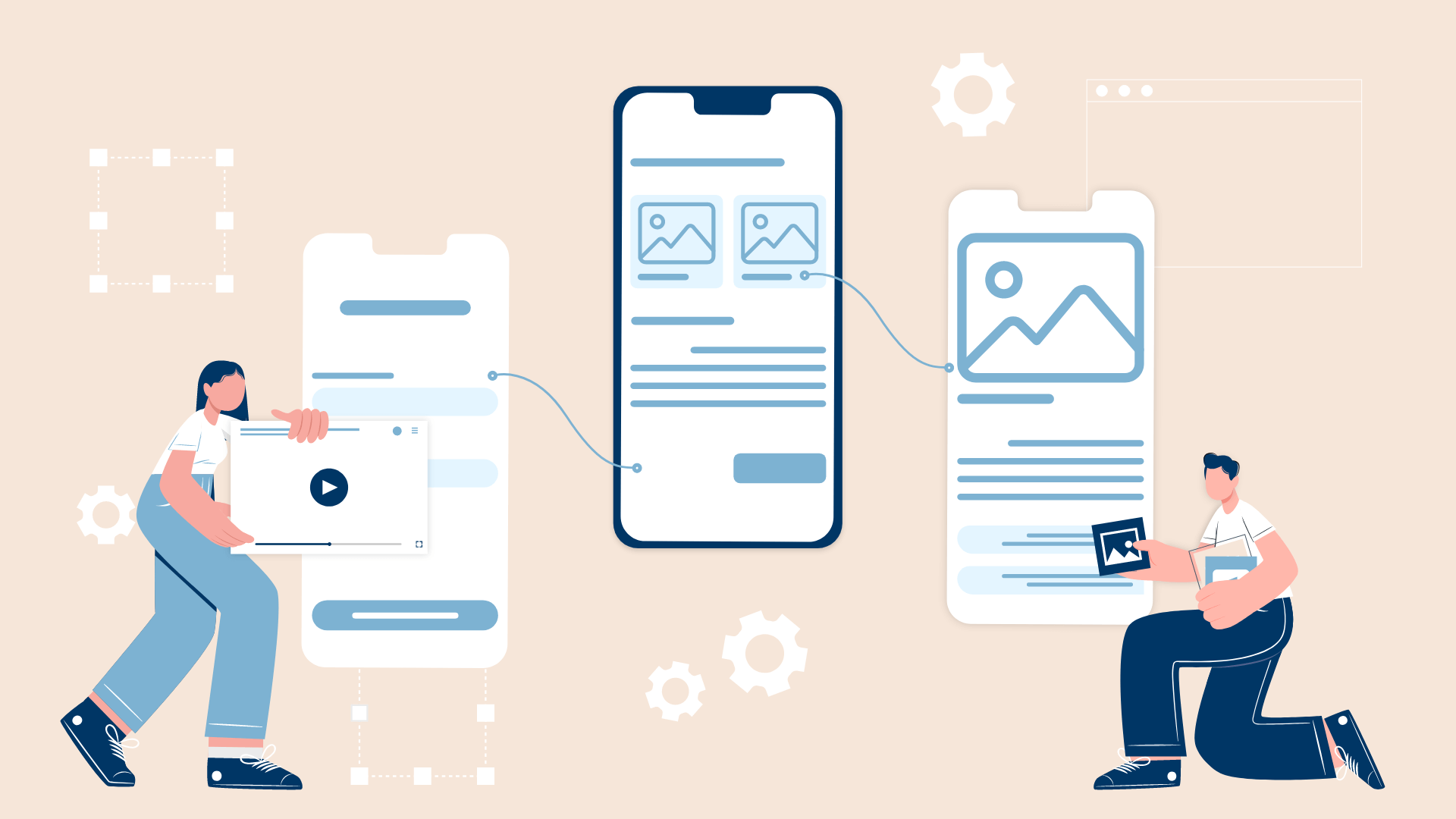 With the visuals ready, the next step is to prototype—an interactive simulation of how the product will behave. This lets users and stakeholders experience the interface as if it were a real, working product.
A prototype helps you:
- Connect buttons to pages
- Simulate navigation flows
- Validate the user journey
Tools like Figma, InVision, and Adobe XD are commonly used for this. Prototypes are essential for spotting usability issues before full development begins.
Let’s say your design includes a “Buy Now” button—your prototype will allow users to click that button and go through the flow, just like they would in the real app. This helps test if the interaction feels intuitive and meets user expectations.
Handoff: Collaborating with Developers
 After the prototype has been finalized and approved, it’s time for the handoff—the bridge between design and development. This stage ensures that everything you’ve designed gets implemented properly in code.
Designers provide:
- Design assets (icons, images, components)
- Design specifications (spacing, font size, color codes)
- Style guides or component libraries
- Notes or dev-friendly documentation
Tools like Figma, Zeplin, or InVision make it easier to export designs and give developers access to everything they need—including CSS snippets or layout details.
Good communication is key here. Handoff isn’t a one-time file transfer—it’s an ongoing collaboration. Designers should be ready to answer questions, provide clarifications, or make small tweaks as needed during the development phase.
The Importance of Communication and Feedback
 At every stage—from wireframe to handoff—team communication is critical. Designers, developers, product managers, and stakeholders should stay in sync.
- In the wireframe stage, it’s about making sure the layout supports business needs.
- During the hi-fi and prototype stages, early testing and feedback can identify usability problems before it’s too late.
- In the handoff stage, smooth collaboration prevents misinterpretation and ensures the final product reflects the original design vision.
Remember: design is a team sport.
Why the UI Design Process Matters
 Each step in the UI design process plays a key role in building a great product:
| Stage | Goal |
|---|---|
| Wireframe | Define structure and flow without distractions |
| High-Fidelity | Add branding, visuals, and polish |
| Prototype | Test interactions before coding |
| Handoff | Translate design into development-ready assets |
By following this process—and maintaining strong collaboration—you can ensure that the final product is not only visually appealing but also user-friendly, functional, and aligned with your business goals.